Hi everyone,
I’m running into an issue with Proxmox when BunkerWeb is enabled.
failed waiting for client: timed out
TASK ERROR: command ‘/usr/bin/termproxy 5901 --path /vms/104 --perm VM.Console – /usr/bin/dtach -A /var/run/dtach/vzctlconsole104 -r winch -z lxc-console -n 104 -e -1’ failed: exit code 1
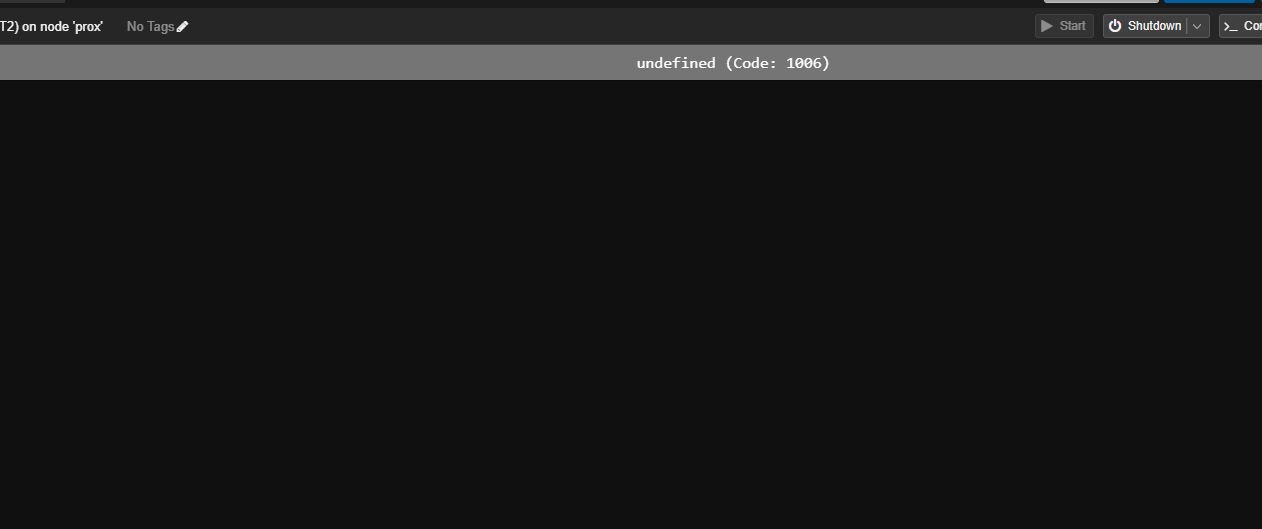
When I try to open the console for an LXC, I get the following error:
If I disable BunkerWeb, the console works fine.
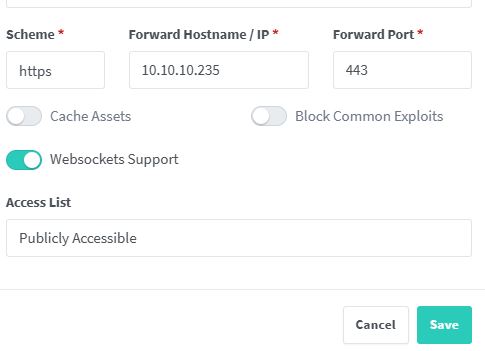
I have already enabled WSS in the BunkerWeb service section, but the issue still persists.
Setup:
-
Proxmox VE (include version if needed)
-
LXC VM ID: 104
-
BunkerWeb reverse proxy in front of the Proxmox web interface
Question:
Has anyone experienced this before, or knows what additional settings are needed in BunkerWeb to get the Proxmox console working over WSS?
Any help would be appreciated!
Thanks!
RAW config
IS_DRAFT=no
SERVER_NAME=
USE_TEMPLATE=high
USE_ANTIBOT=javascript
AUTH_BASIC_USER=shawnfaleiro
AUTH_BASIC_PASSWORD=shawn21
BAD_BEHAVIOR_THRESHOLD=90
USE_CORS=yes
CORS_ALLOW_ORIGIN=*
KEEP_UPSTREAM_HEADERS=Content-Security-Policy Strict-Transport-Security X-Frame-Options X-Content-Type-Options Referrer-Policy Upgrade Connection
LIMIT_CONN_MAX_HTTP1=120
LIMIT_CONN_MAX_HTTP2=400
LIMIT_CONN_MAX_HTTP3=400
LIMIT_REQ_RATE=6r/s
MAX_CLIENT_SIZE=50m
USE_REVERSE_PROXY=yes
PROXY_NO_CACHE=no
REVERSE_PROXY_HOST=https://10.10.10.200:8006/
REVERSE_PROXY_WS=yes
REVERSE_PROXY_KEEPALIVE=yes
`SSL_PROTOCOLS=TLSv1.3